✦ Endless ideas, unique imagesCreate your prompts
Create your prompts
and generate packs of
images with AI
Hundreds of themes, one goal: incredible images, ready to use. Choose a pack, personalize, generate and receive your 100 images.
Discover the packs1 to 100images generated
ZIP downloadhigh quality
Objective 2hto be confirmed
Trend100 images
per pack
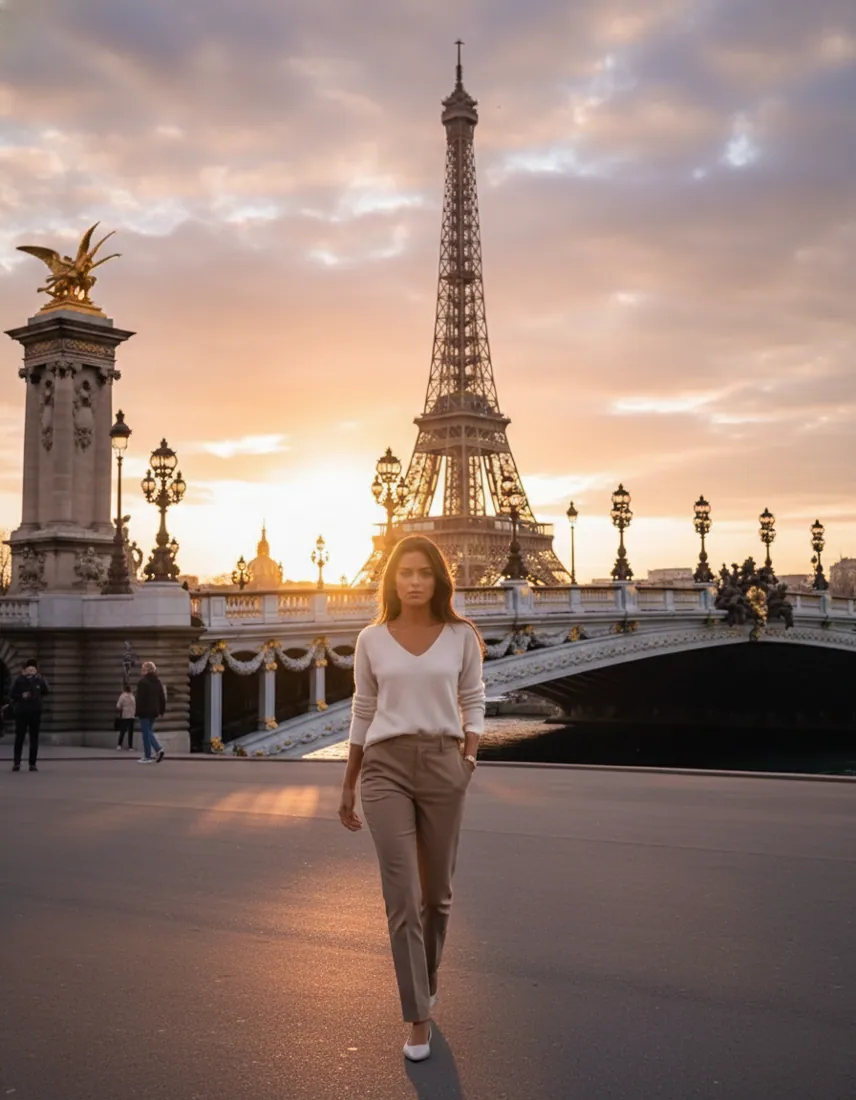
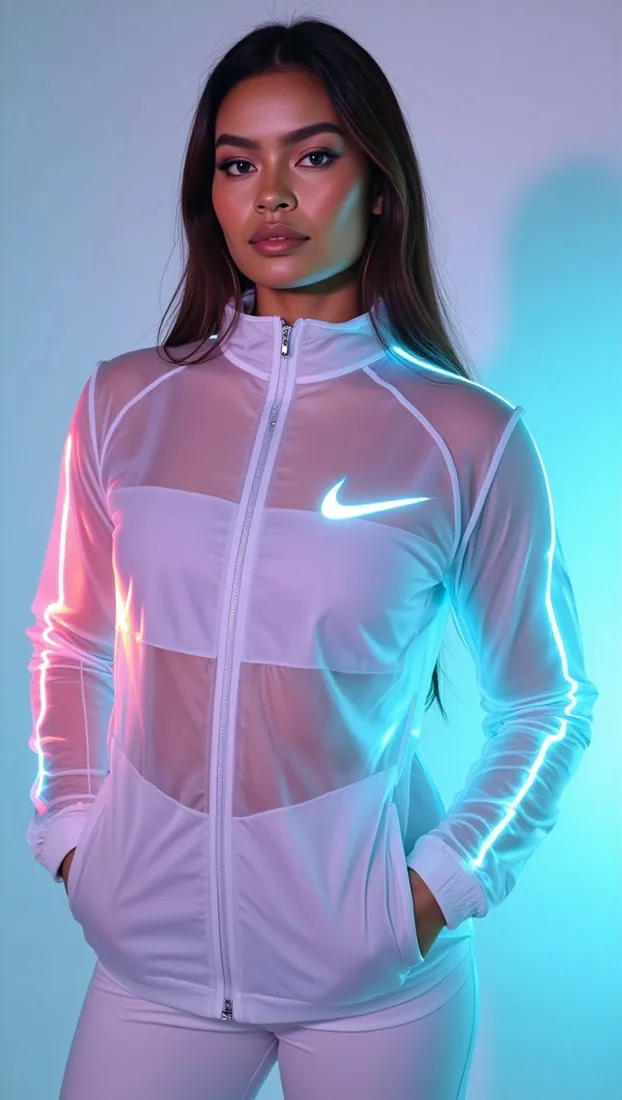
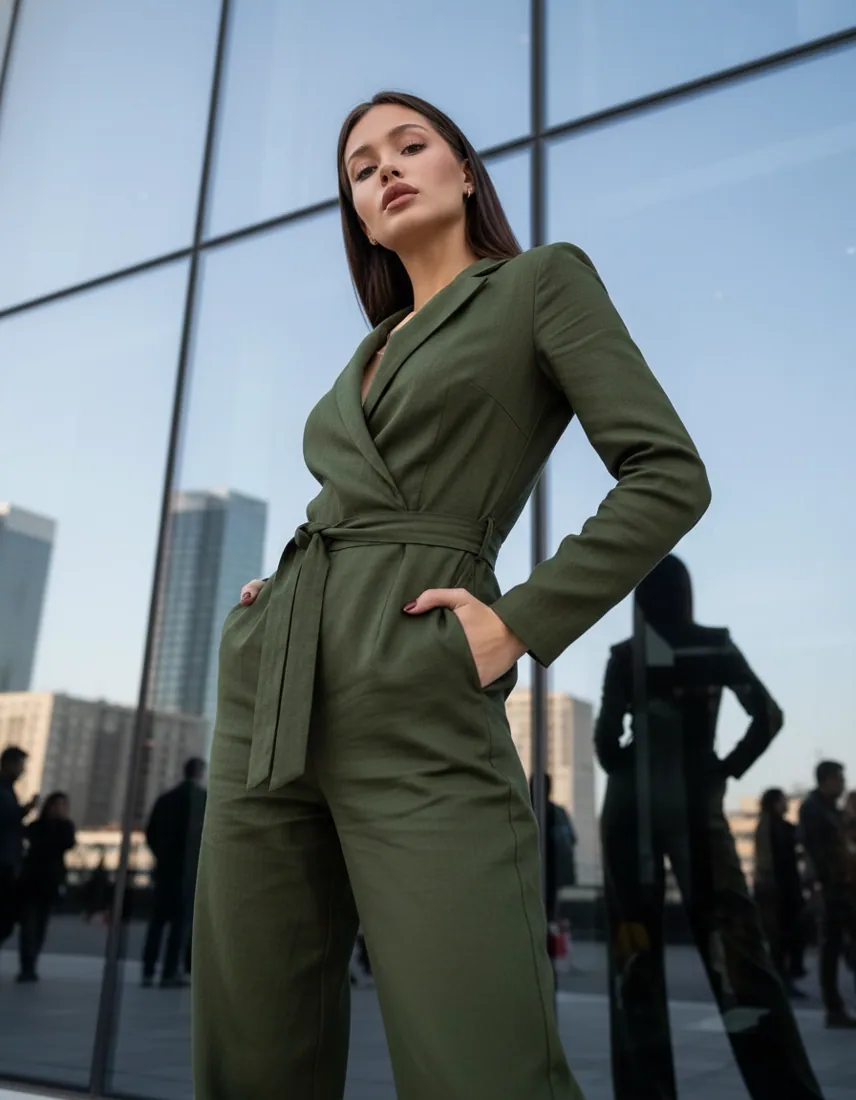
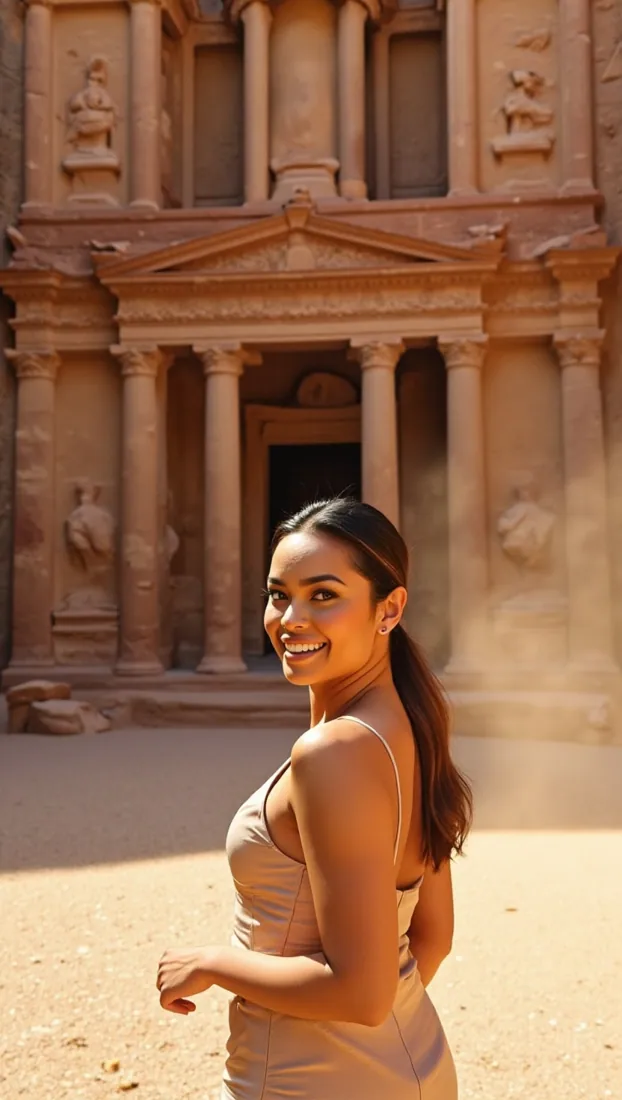 Hundreds
of styles ↙
OUR PREMIUM PACKS
See all packs One pack = one tab of your file = 100 images
Each pack corresponds to a category / theme. You receive 100 generated images, ready to use.
Cities & Countries
100 imagesTravel & Nature
100 imagesFashion & Style
100 imagesBeauty & Make-up
100 images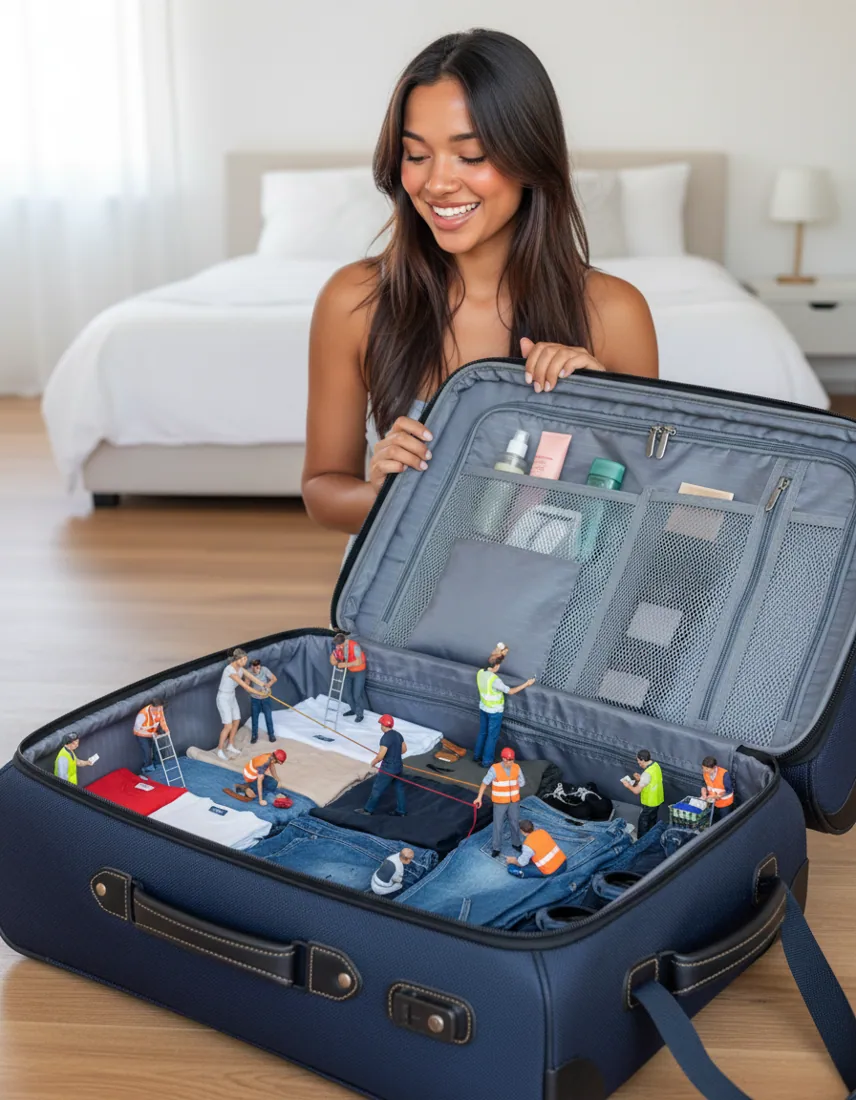
Surrealist Concepts
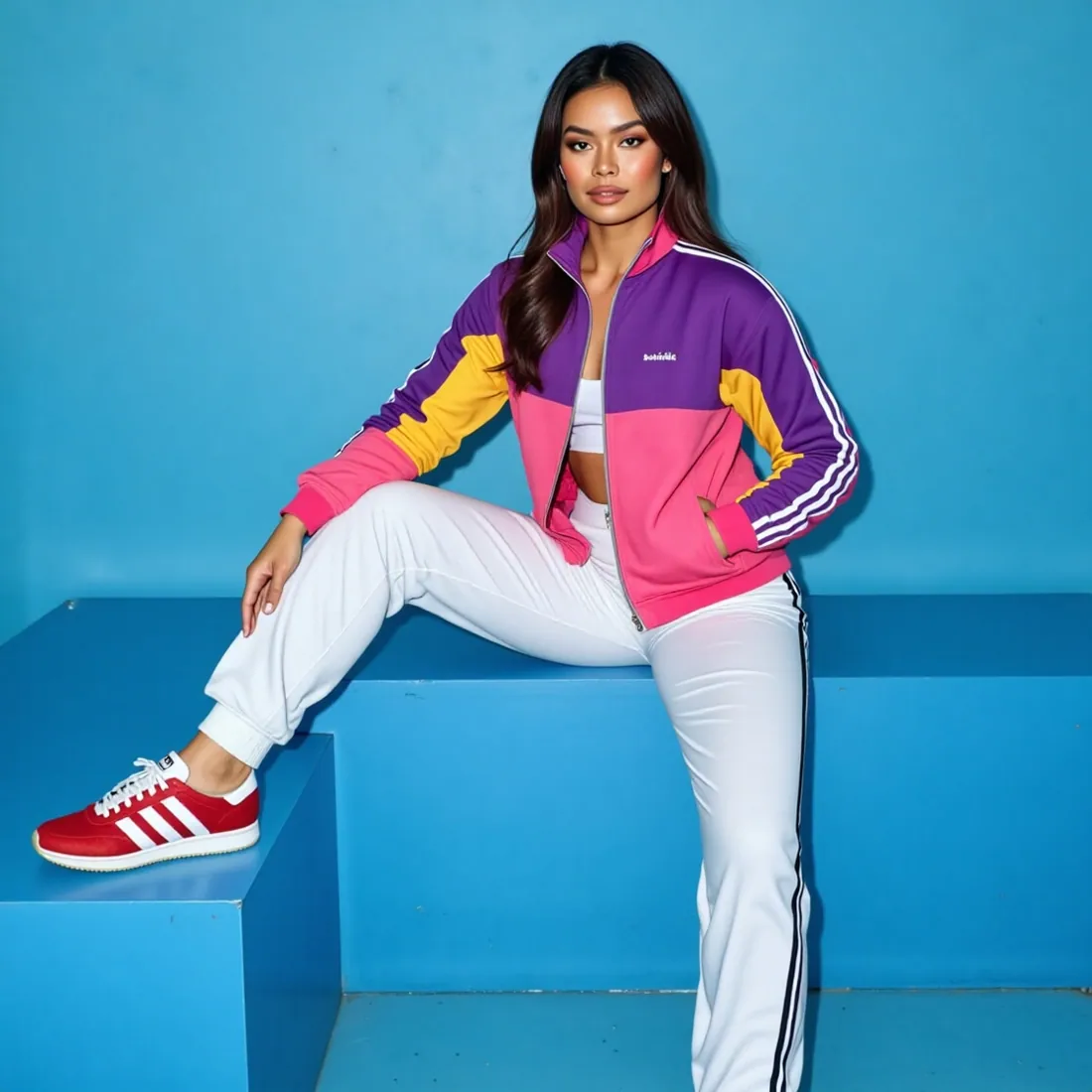
100 imagesSportswear
100 imagesLandscapes & Places
100 images Popular
Viral Trend
100 imagesIMAGE GENERATOR
Create your personalized pack
Import a face, choose a template, set the number of images and generate your pack in just a few clicks.
1 to 100 images generated
You choose the quantity. From 1 to 100 images per pack.
ZIP download
Your high quality pack, ready to use.
Target within 2 hours
Deadline subject to technical validation and availability.
Access from your space
Find your orders and downloads.
Eight universes. Your next click.
Let yourself be surprised by a selection of our collections.
All collections →




PROMPTYA PACKAGES
From 1 to 4 packs, up to 400 photos.
A decreasing price for packs purchased in the same order.
 01100 PICTURES
DISCOVERY · 1 PACK
22,90 €/ pack
An idea. Your first universe.
Total · 100 photos22,90 €
The starting point of your series.Explore 1 universe →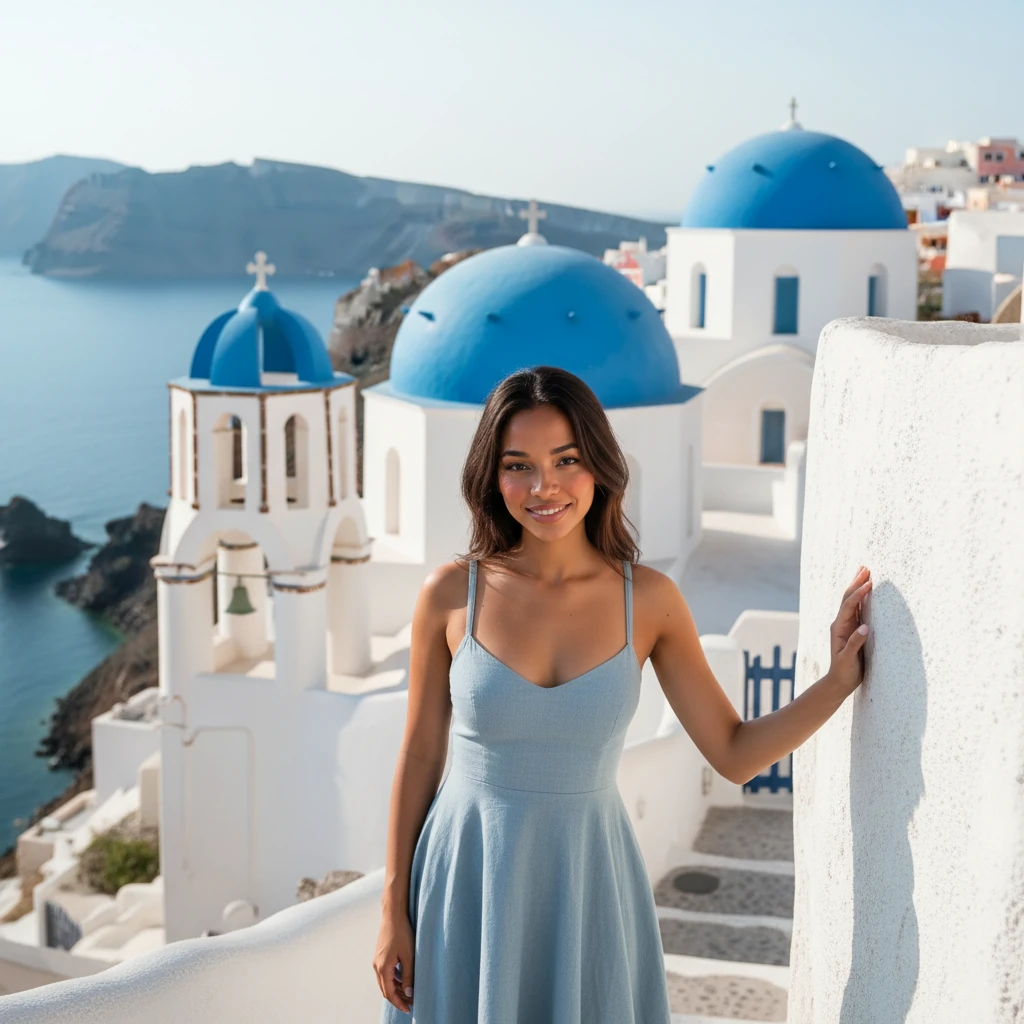 02200 PICTURES
DUO · 2 PACKS
19,90 €/ pack
Two atmospheres to create dialogue.
Total · 200 photos39,80 €
You save €6.00Explore 2 universes → 03300 PICTURES
COLLECTION · 3 PACKS
16,90 €/ pack
Three universes to vary the looks.
Total · 300 photos50,70 €
You save €18.00Explore 3 universes → 04MOST ADVANTAGEOUS
STUDIO · 4 PACKS
14,90 €/ pack
Plenty of room for your creativity.
Total · 400 photos59,60 €
You save €32.00Explore 4 universes →LISTENING TO YOUR IMAGINATIONYour ideas deserve
Your ideas deserve
to be heard.
A desire, a detail, an unexpected direction.
Find inspiration for your next creation.
THE JOURNAL
An idea is also prepared with a look.
Guides to choose your references, your atmospheres and your formats.

Get started right
Personalized AI photo: from portrait to real series
A personalized AI photo starts from an intention: to put a face in a setting, explore a style or build a collection. To obtain a useful series, we must first distinguish what must remain recognizable from what can change.
Read the guide →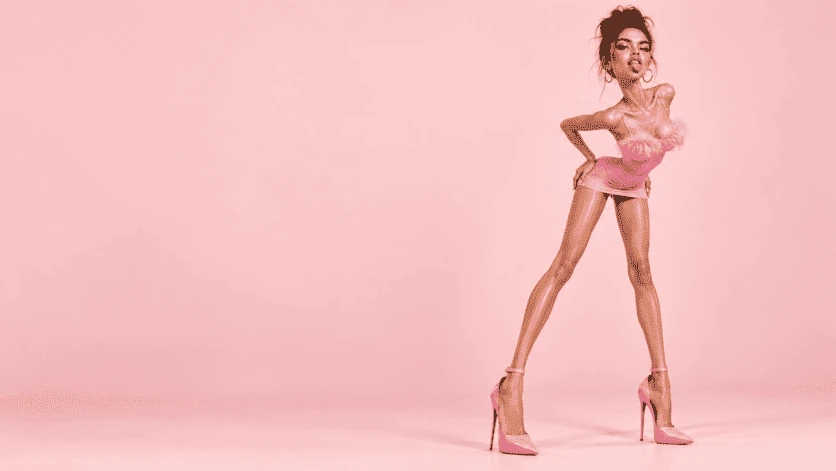
Imaginary journeys
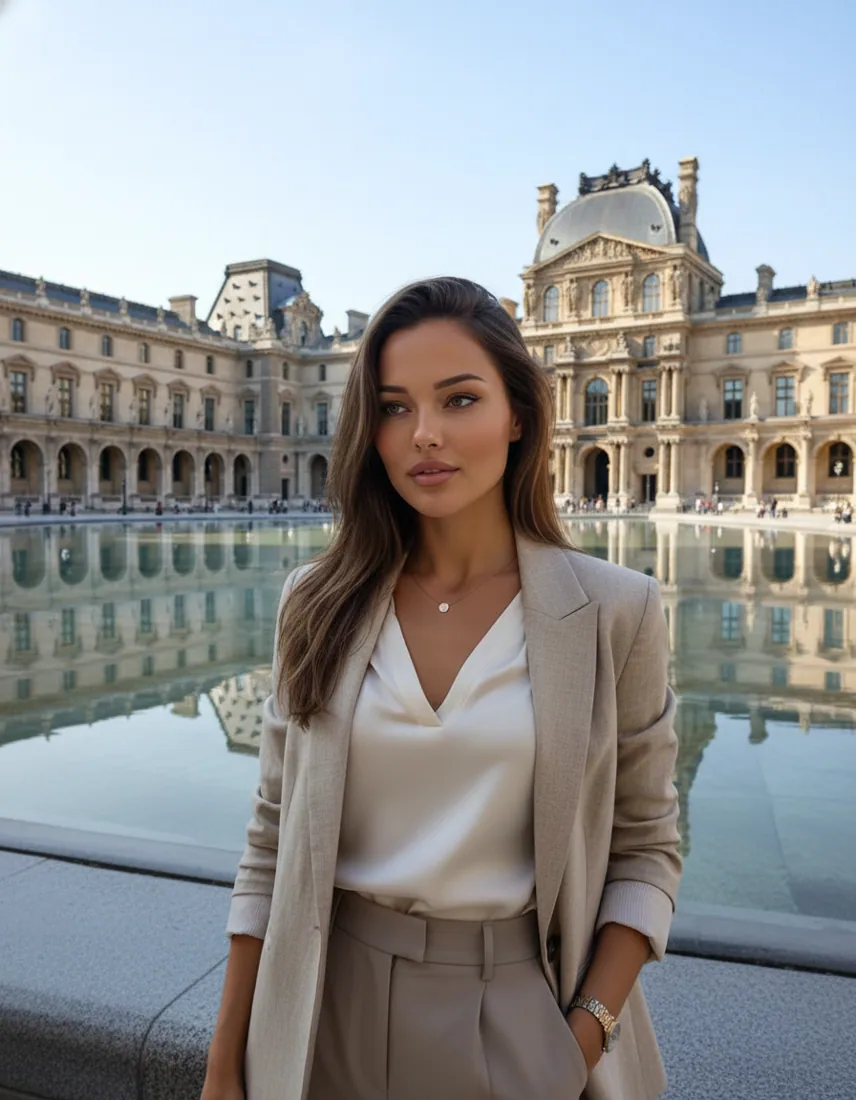
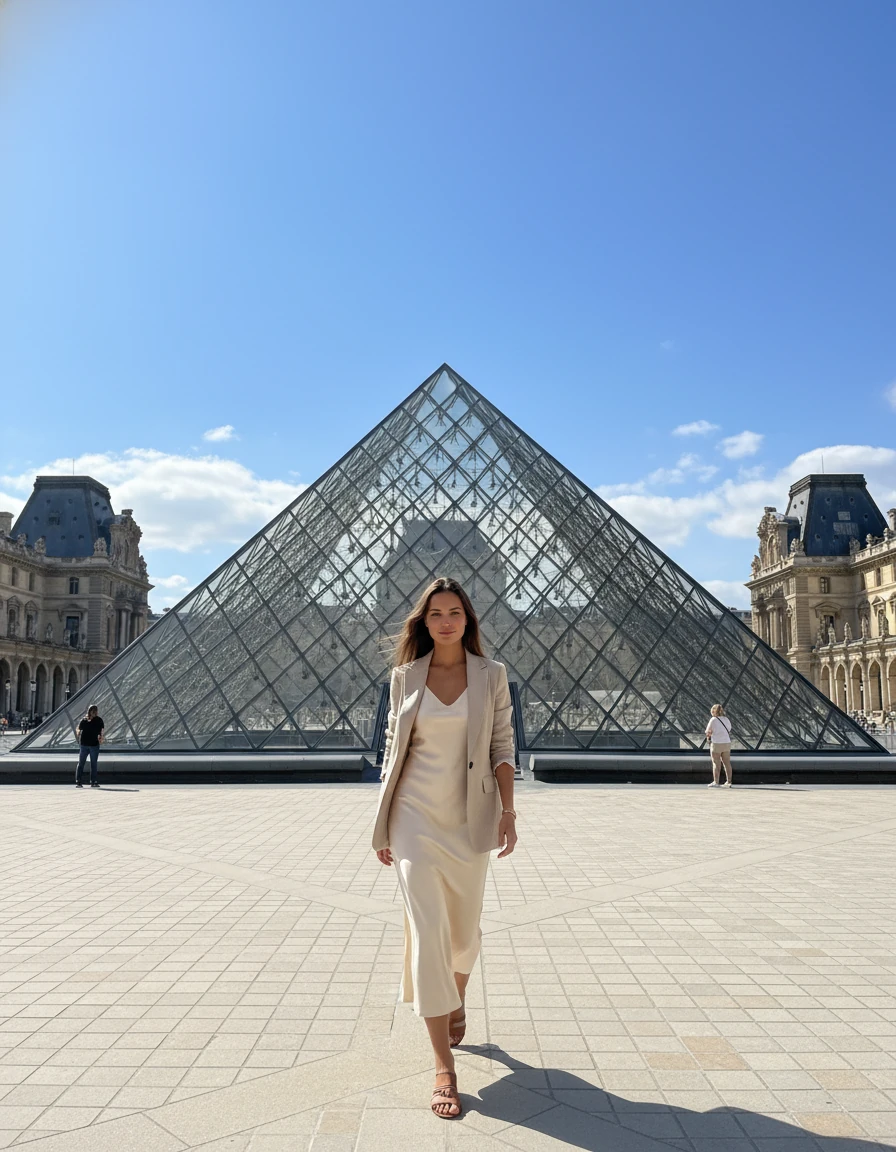
AI photo shoot in Paris: five atmospheres to compose your series
Paris offers several visual writings: stone architecture, monumental perspective, geometric glass roof or end of day light. A series benefits from choosing a common thread instead of piling up famous settings.
Read the guide →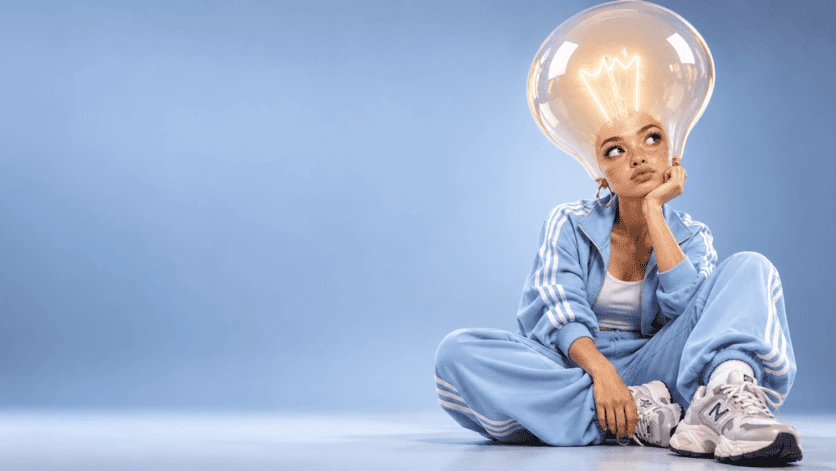
Styles and creation
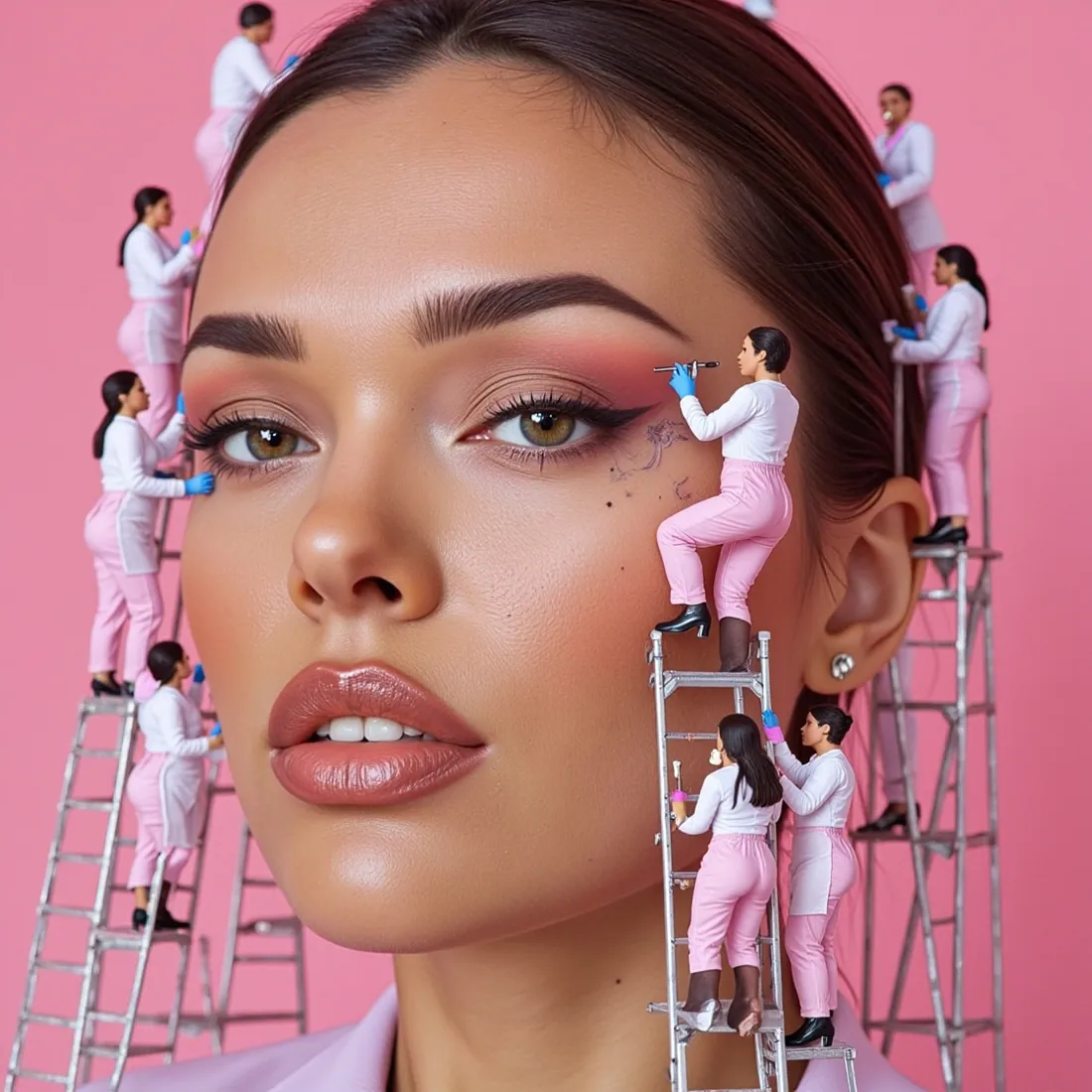
3D miniatures and AI photo: building a credible small world
A miniature world becomes interesting when the little characters have understandable action. The contrast in scale catches the eye; the coherence of light and contacts then gives strength to the image.
Read the guide →FROM THEME TO CREATION
How to generate your AI image pack?
Your idea provides the momentum.
Four steps to bring it to life.
- 01
Choose your universe
Browse the 106 collections and find the decor, ambiance or style that inspires you.
Explore packs - 02
Add your touch
Choose your format and quantity. Add a reference photo to personalize the subject.
Open studio - 03
Check your selection
Find the details of your packs, the options and the amount of your order before continuing.
View my basket - 04
Find your creations
Track progress in your orders and download your finished images as a ZIP file.
My order space
ONE STUDIO, SEVERAL DIRECTIONSPersonalized AI images,
Personalized AI images,
designed as a series.
Creating an isolated image and building a coherent collection are two different approaches. On Promptya, the theme provides a common thread: settings, an atmosphere and a visual register. You then choose the place of the character, the format and the customization method available in the studio.
Our library of 8,487 scenarios powers the generator internally. It is used to vary the compositions, without asking you to write or manage all the generation texts. The offer concerns the images produced: up to 100 creations in an order at €22.90.
Compose my series →Traveling through images
Explore the narrow streets of the Cyclades with the Mykonos pack, the white volumes of Santorini or the elegance of the quays with Paris. Each destination has a page dedicated to its universe.
Define an artistic direction
The collections of fashion and portrait, of creation and cinema or sports allow you to compare visual registers before launching a series.
Create for a concrete project
Prepare a mood board, illustrate a story, look for a country atmosphere or build a personal collection. The images generated are creations: they do not prove a real trip or a collaboration with a place or a brand.
CHANGE YOUR PERSPECTIVELet your
Let your
imagination
soar.
Another look. An unexpected idea.
The start of your next series.
PREPARE YOUR SERIES WELL
Choose a reference, a format and a rendering.
A readable photo
For a creation with reference, favor a visible face and regular light. Very dark glasses, filters and multiple subjects make reading difficult. The studio accepts one reference per order for the Kontext model.
A format adapted to the support
The square is suitable for a balanced composition. Portrait formats leave more room for a silhouette; the landscape gives more space to the decor. Choose according to your project rather than by multiplying formats in the same series.
Clear visual expectations
A model can interpret a setting, clothing or identity differently from another. Compare validated package previews and model capabilities. The consistency of a series also depends on the quality of the reference and the options used.
YOUR QUESTIONS
Packs, reference photos and AI generation.
The answers to understand the offer before choosing your collection.
What is a Promptya AI Image Pack?
A pack is an order for visual creations around a theme: a destination, an atmosphere, a style or a creative universe. You choose the collection, then the studio prepares the scenes from our in-house library. You receive images, not the texts that are used to generate them.
How much do packs of 100 images cost?
A pack costs €22.90. For a group purchase, two packs cost €39.80 (€19.90 per pack), three packs €50.70 (€16.90 per pack), and four packs €59.60 (€14.90 per pack). Each pack contains up to 100 images. Discounts apply to the number of packs purchased together, not to separate orders.
How do I create AI images with my photo?
Import a JPEG, PNG, or WebP photo into the studio, then choose a template compatible with the references. FLUX Kontext uses a reference image. A clear, well-lit photo without a strong filter makes it easier to read the face; final resemblance may vary.
What is the difference between FLUX Schnell, Kontext and a LoRA model?
FLUX Schnell produces images from a description. FLUX Kontext works from a visual reference. FLUX Dev LoRA allows the use of compatible customization weights. The references and LoRA are not interchangeable: the studio adapts the options to the chosen model.
Are creations delivered within two hours?
Two hours is a treatment goal, not a currently validated guarantee. The duration depends on the model, quantity, availability and possible returns. Order tracking allows you to view progress when the generation is connected.
How do I recover my images?
Completed creations are grouped in a ZIP archive that can be downloaded from your orders. Internal build instructions are not included. You will find your creations and their archive in your order space.
Do the previews show my future result exactly?
No. Validated previews show results achieved for a collection, but each new generation may vary. Until a pack has its own validated previews, its illustrations are marked as inspirations and are not presented as its results.
Can I use a photo of another person?
Use only references that you are authorized to use, with the consent of the people represented. The rules of the chosen model continue to apply. Importing a photo does not guarantee perfect preservation of identity on all images.
Your next series starts with an idea.
Compare themes, explore their atmospheres and choose the one that tells the story of your project.
IMAGINATION HAS CHARACTERChange your outlook.
Change your outlook.
Create your universe.
From fashion to unexpected characters, find a direction that gives depth to your ideas.
Find my universe →